
The search box likes 2027. The icon does not. Google Play and the App Store both title the listing Dream League Soccer 2026. I opened both on 10 November 2026. No official app, trailer, or store page carries the 2027 name. First Touch Games Ltd is still the developer on the record you already have.
That record opened on 15 January 2020. The season name on the icon changes in place. You do not install a second football game when a headline moves the year. Version 13.430 is the App Store build, released 16 September 2026. Play shows the listing updated on 14 September 2026. Package id com.firsttouchgames.dls7. App Store id 1462911602.
A friend will send a file with 2027 in the filename. Do not install an APK. The season update lands on the app from Play or the App Store. A sideload is how a squad disappears.
Four start tips
Update inside Google Play or the App Store before you chase a result. The build with the licensed players, the divisions, and the clan tools is the 2026 listing. A repack is not a faster season. It is a different file, and it is the wrong one.
Learn knock ahead before you grind fancy skills. A player tutorial, not an official button chart, calls it the most used skill. Tap empty space while your player runs without the ball. The video is https://www.youtube.com/watch?v=vtmkb_FiL3I. Stepover in that same tutorial is a swipe right and a swipe left. I am not calling those official buttons. The first match goes better when that tap is already in your thumb.
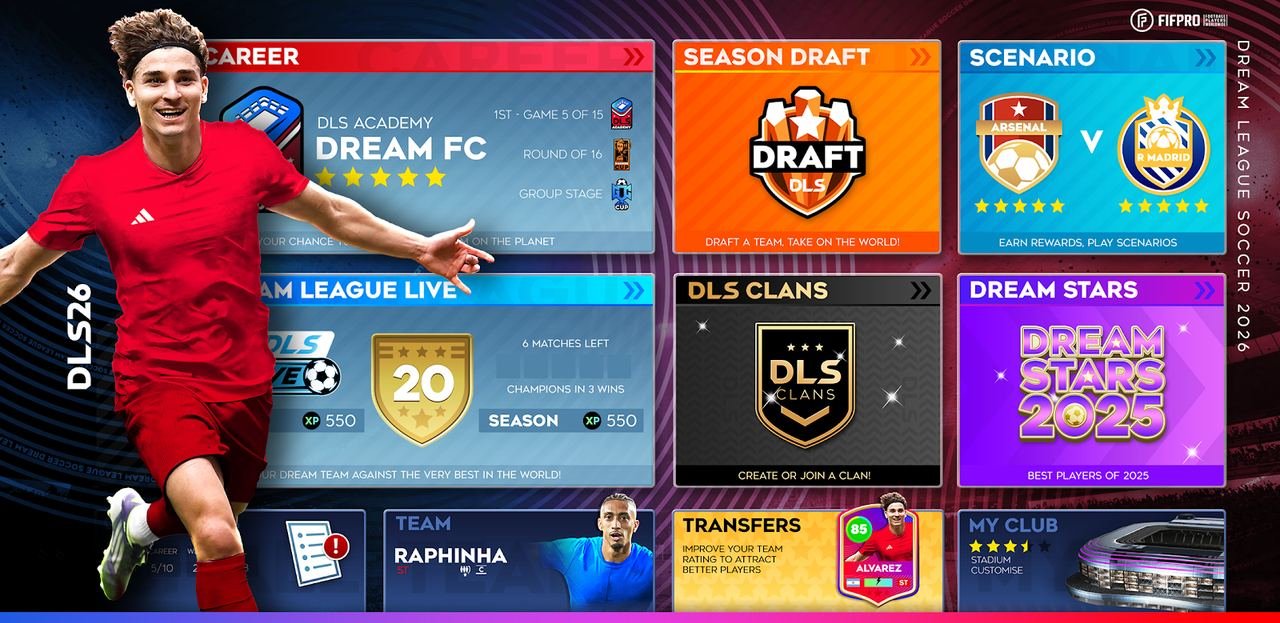
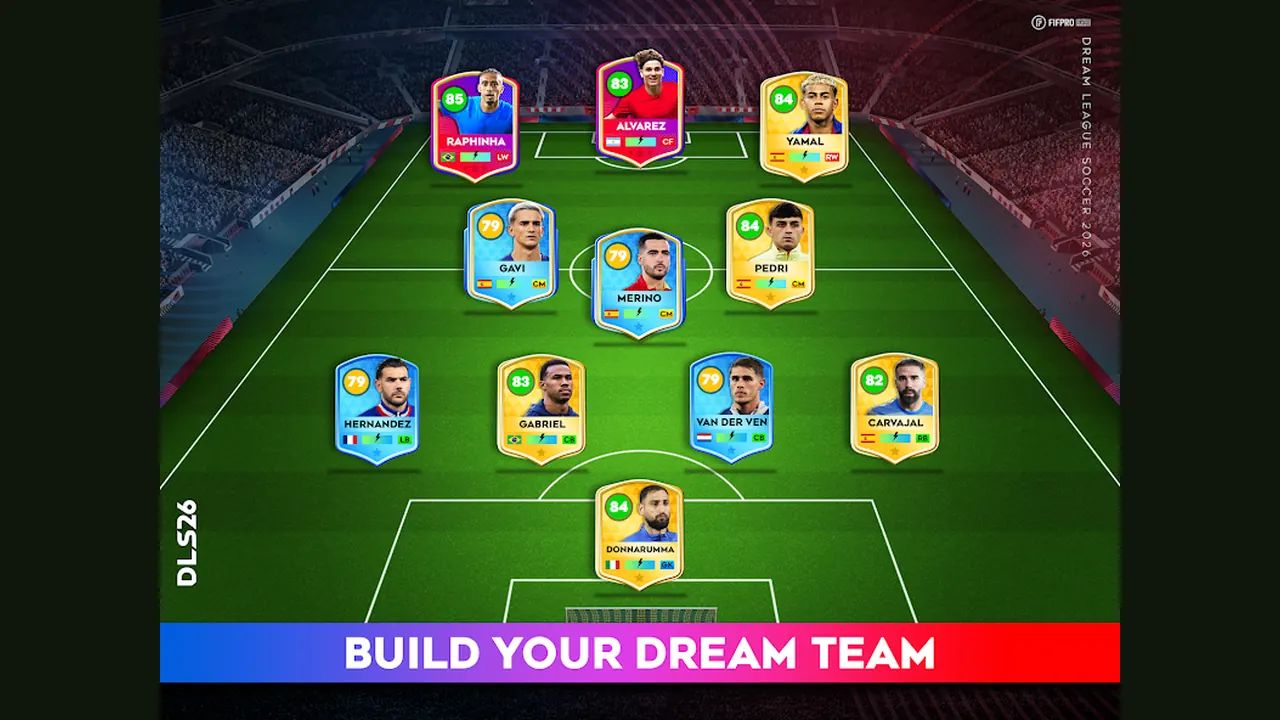
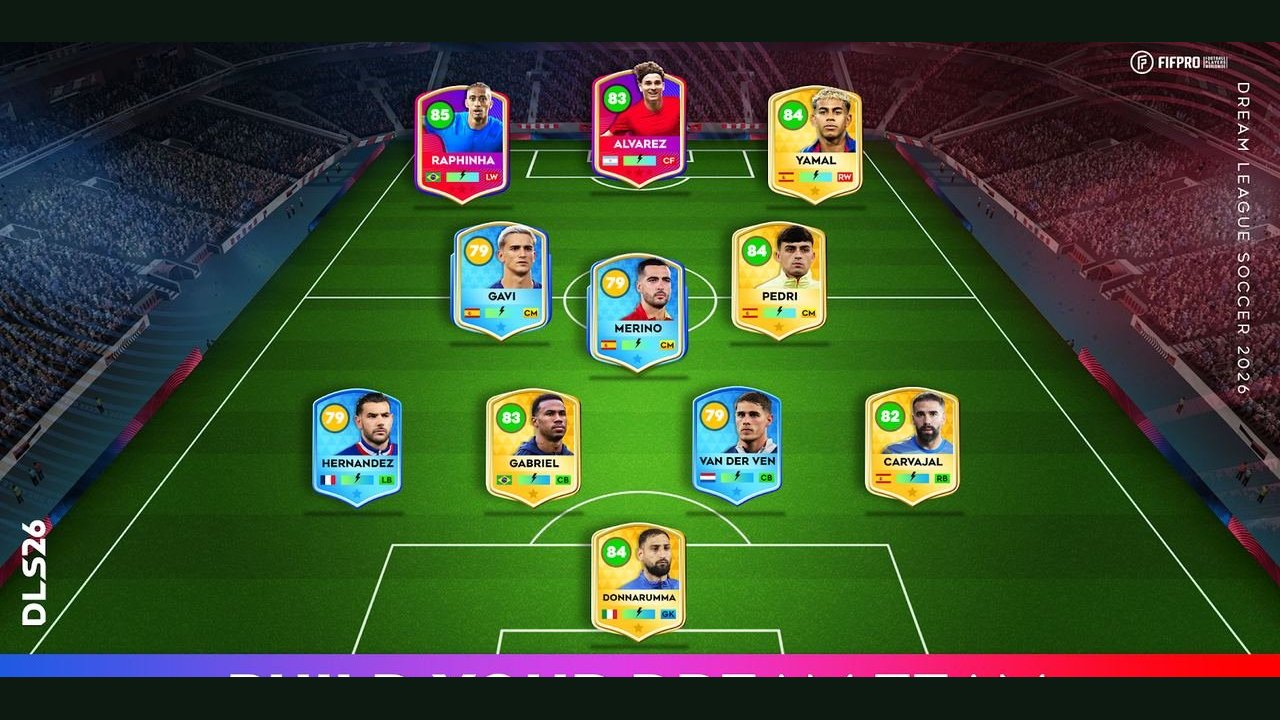
Build the side from the licensed pool. The listing says 4,000+ FIFPRO players. The only names it prints are Raphinha and Julián Alvarez. The phrase legendary Classic greats sits on that same text. It is a category, not a roster I can extend from memory. Overalls are not printed. Leave the rating charts alone.
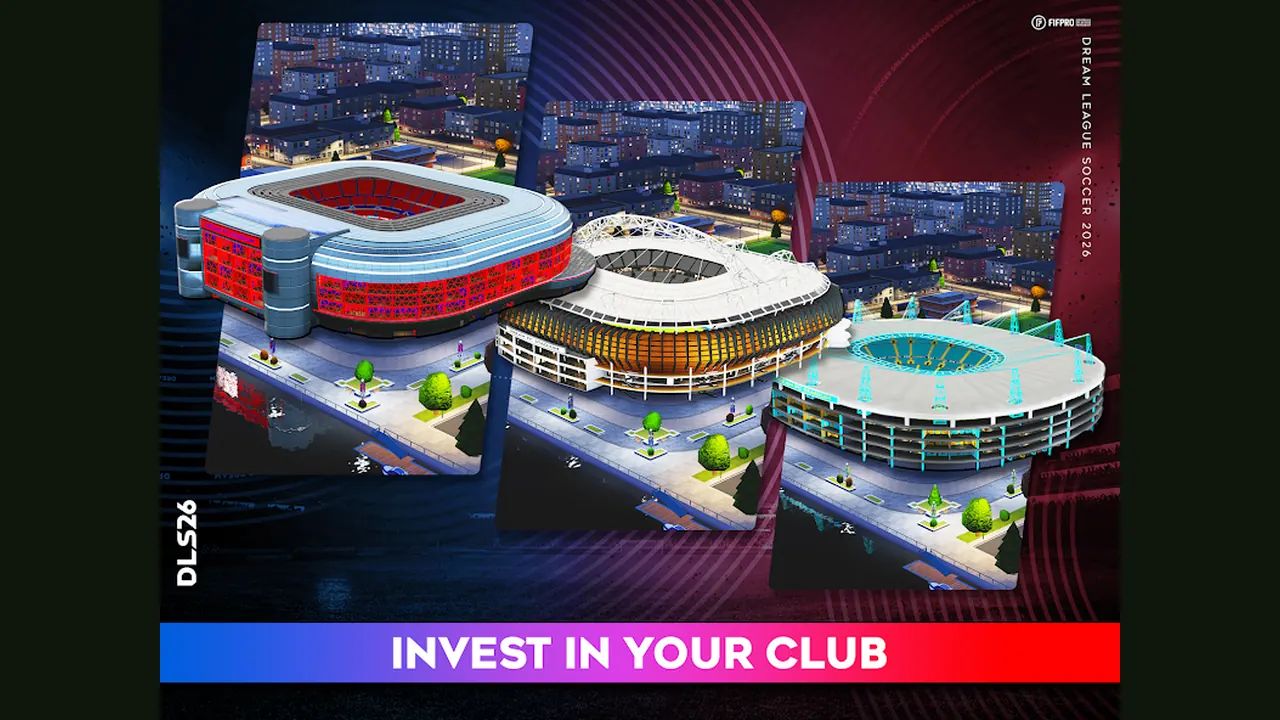
Climb with the numbers the listing actually gives. Eight divisions. More than 10 cup competitions. The only named rung is Legendary Division. The stadium is what you upgrade, with facilities along that path. The other seven division names are a count, not a list. Leave borrowed names off your plan.
Reading order for the first nights
Start with the 2027 search status. Read it before you hunt a second download. The useful part is the 2020 listing date and the missing 2027 app, not a countdown.
Then open today's store snapshot. Version, both September dates, the 100M+ download line, the two rating piles, the file size, and the connection requirement sit in one table there. Match the package id while you are on it.
The licensed squad is the third read. Go there before a rating chart from a forum eats the week. Agents and scouts, who identify talent on the transfer market, are the read after that page. They are not a price list.
Finish on the division climb. Eight rungs, one name, and the cups. Facilities sit on that same path: Stadium, Medical, Commercial, and Training. The listing names all four. The written job is the stadium upgrade toward Legendary Division.
Before the first kickoff, open touch controls. Those notes stay labeled as a player tutorial. Knock ahead is the one to learn first. The two defending holds and the aerial double tap are on that page too, still as tutorial gestures, not as official button names.
Listing figures worth keeping
| Item | Figure |
|---|---|
| Store name | Dream League Soccer 2026 |
| Version | 13.430 |
| Downloads | 100M+ |
| Divisions | 8 |
Play's rating line is 4.5 stars from 15.2M reviews, with an Everyone rating, ads, and in-app purchases. The App Store price is 0. Its average sits at about 4.57 from 738,269 ratings. The file there is 269,641,728 bytes, about 257 MB. None of those figures rename the app. Cups are more than 10, on the divisions page.
Pitch, connection, and the free install
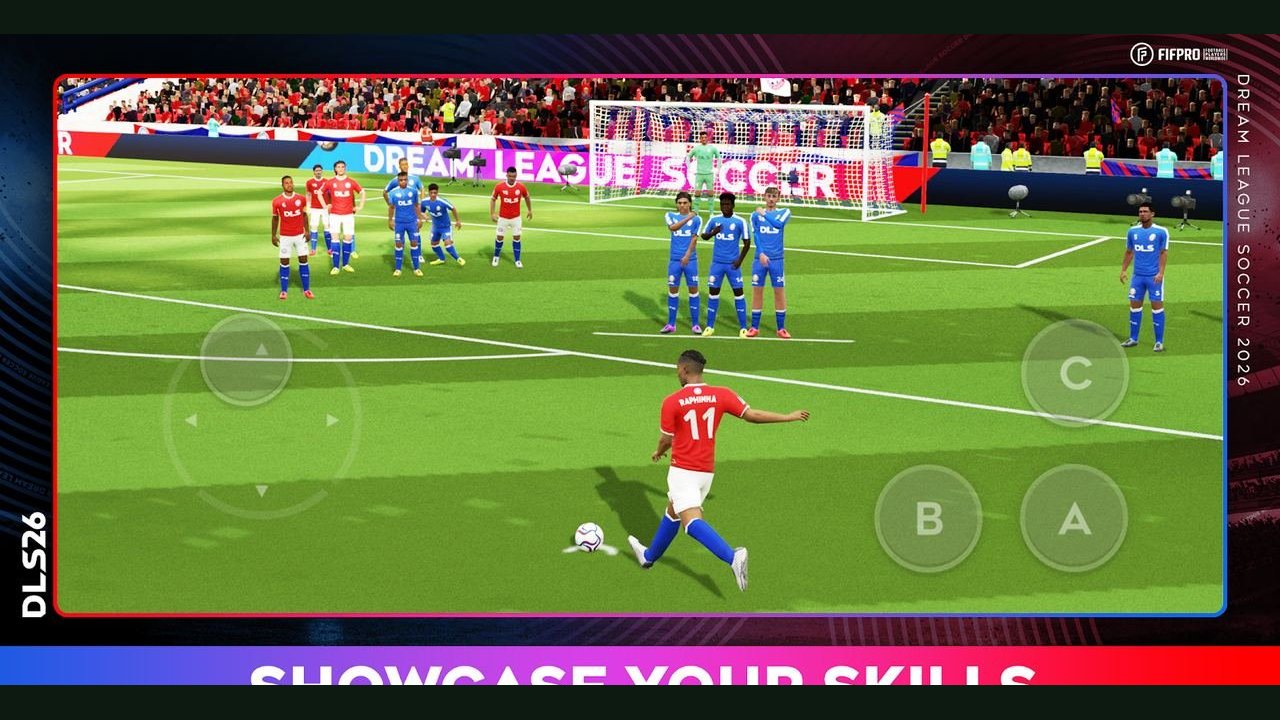
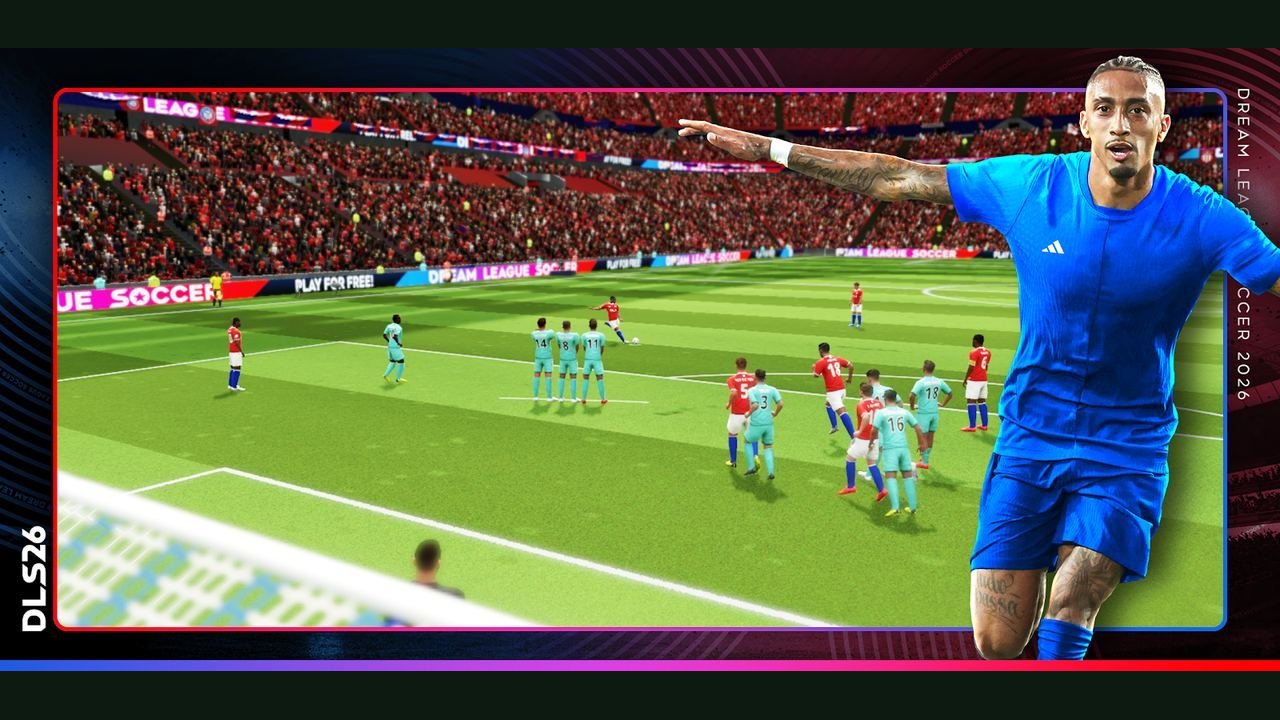
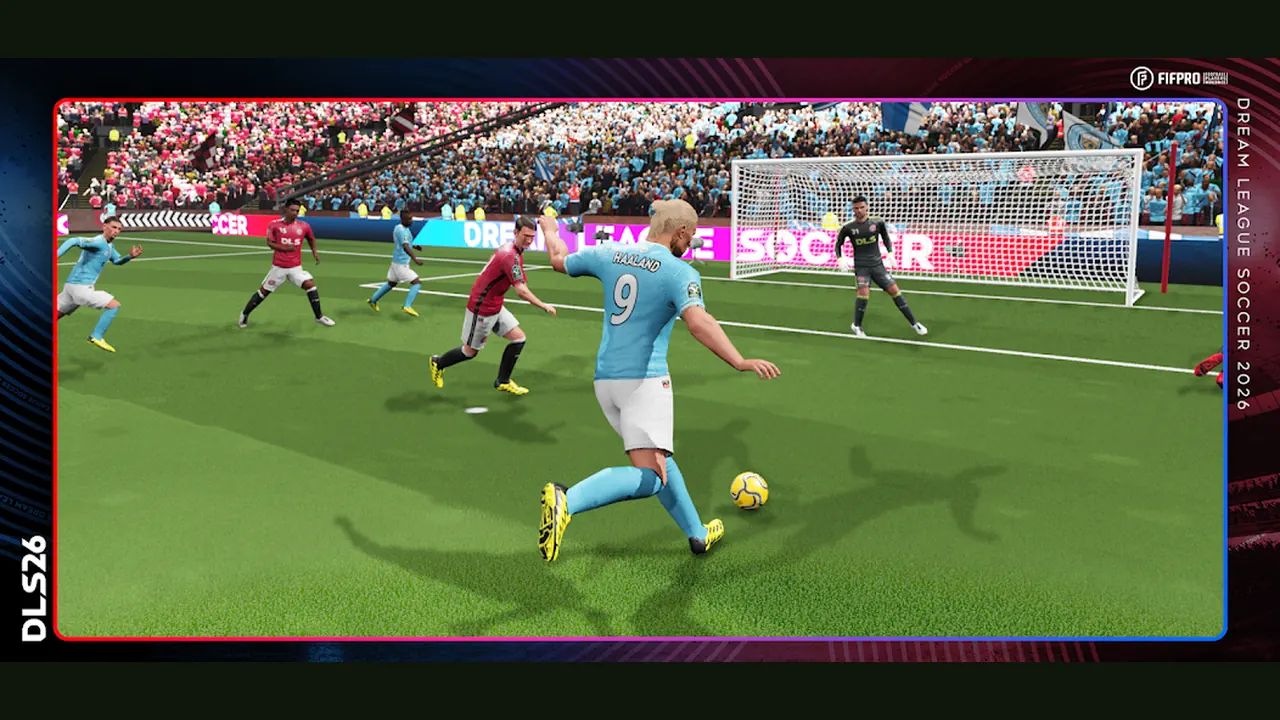
Kicks, tackles, celebrations, and goalkeeper saves are full 3D motion capture. The 2026 notes add new animations, improved AI, and a new graphics engine. No share is printed with those notes, so I will not stick one on. Internet is required. A dead signal is a connection problem, not proof that your squad was wiped.
The install is free. Purchases are random-item buys. Ads are third-party. That mix is normal for this listing. It is not a sign you grabbed the wrong year.
If the icon already says 2026, leave it. Open the game. Take the update prompt when Play or the App Store offers one. Play the season that is installed. A newer year in a search result does not outrank the listing you can actually open.